Create and run tasks
Task groups, common fields, bulk creation, controls, monitors, and retries.
Create a task
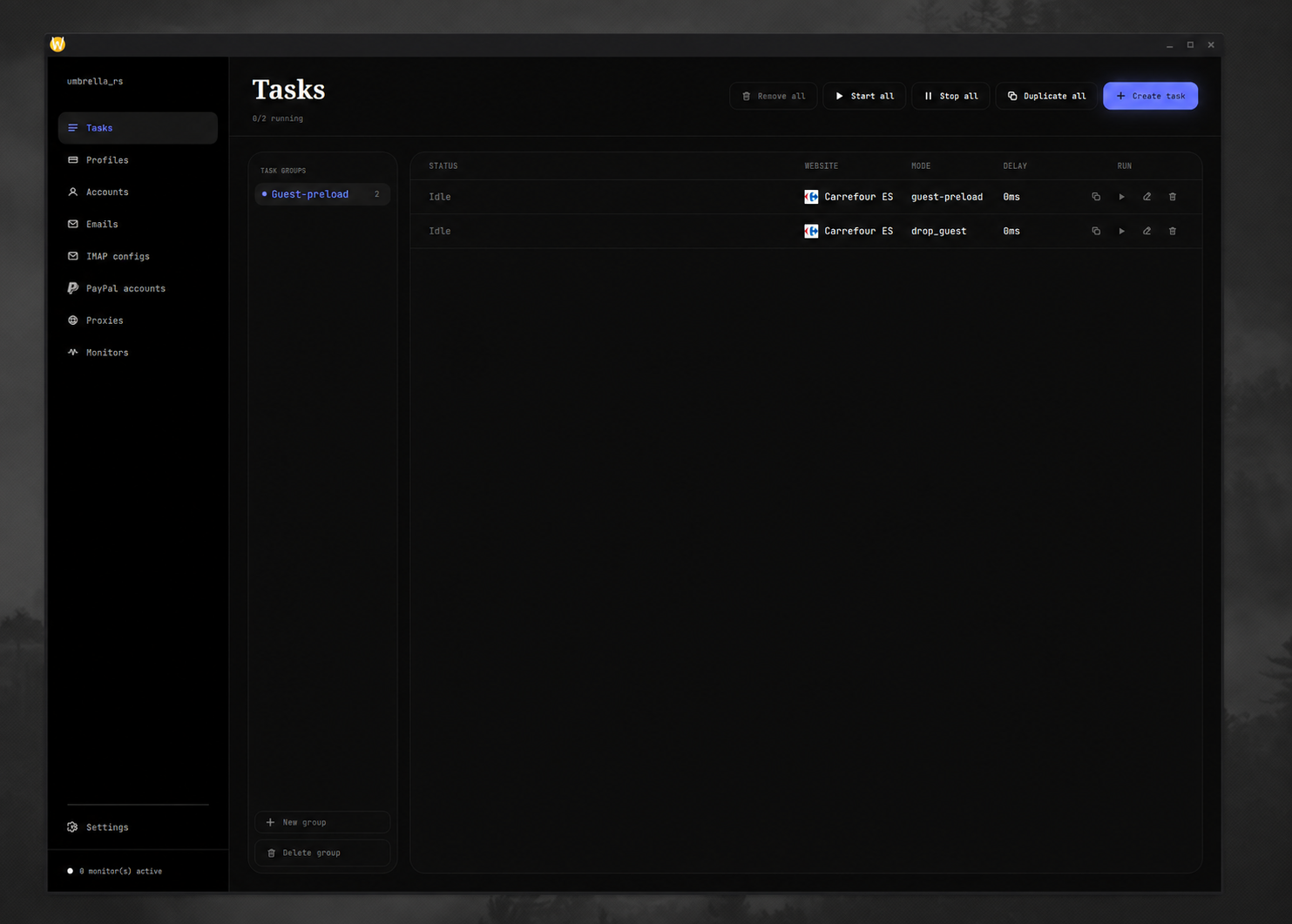
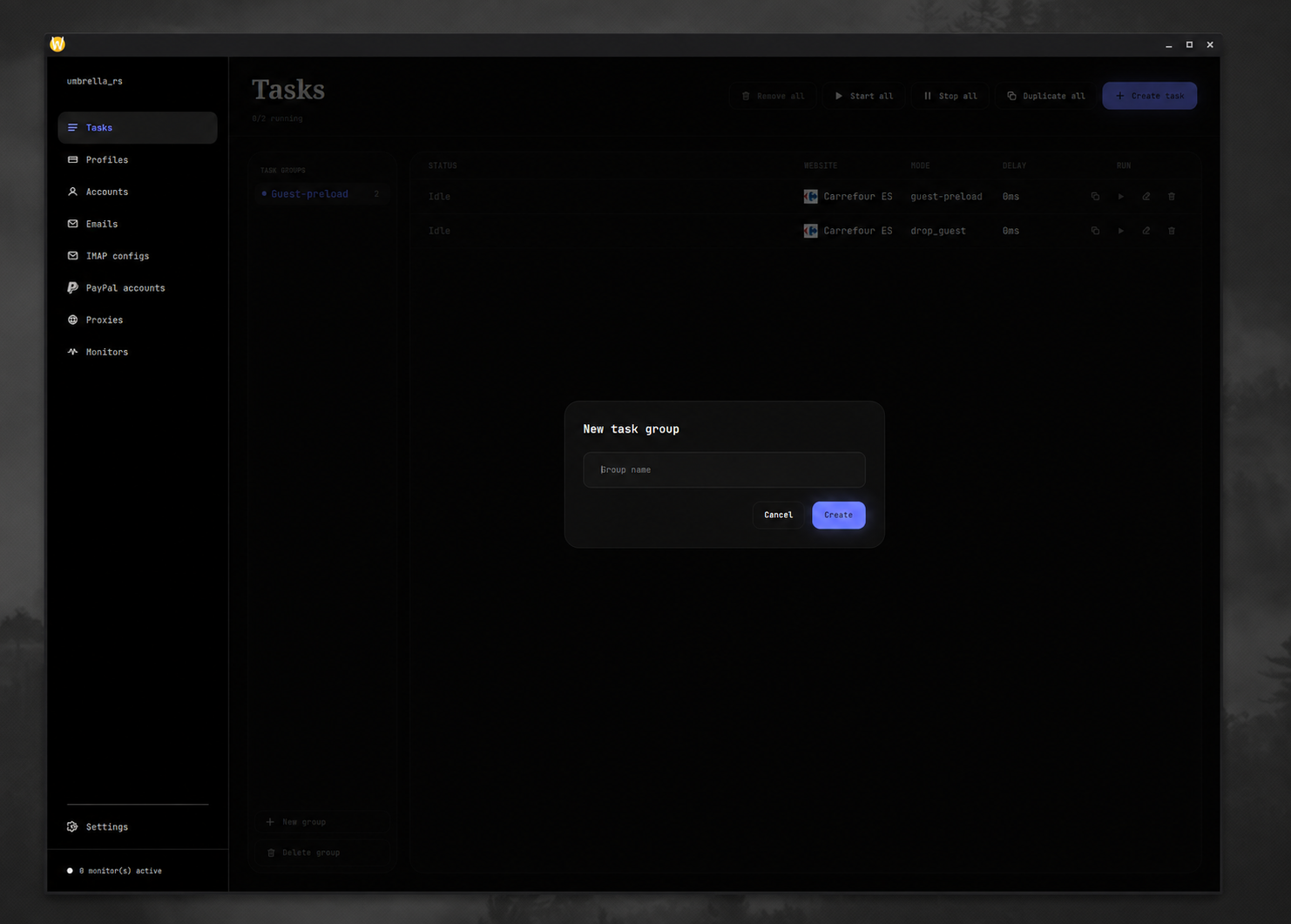
- Open Tasks and create a task group.
- Select the group and choose Create task.
- Choose a website and mode. The form changes to show only that mode's fields.
- Fill all required fields. Choose reusable resources created on the other screens.
- Set the unlabeled count box beside the form buttons if you want multiple identical tasks; it defaults to one.
- Choose Create task.
The website and mode cannot be changed while editing an existing task. Create a new task when you need a different mode.
Common task fields
| Field | Meaning |
|---|---|
| PID | Store product identifier. Bandai uses basepid;atcpid. |
| URL | Product page URL used as the shared Carrefour monitor key. |
| Quantity | Positive item count. |
| Delay (ms) | Stored per-task request delay; defaults to 3000 in the database. |
| Start time | Local machine time in HH:MM:SS. If today's time has passed, the task proceeds immediately. |
| Profile | Contact, address, and payment data, jigged when the task starts. |
| Proxy group | Proxies used by the task's checkout HTTP client. One is chosen randomly on each task build. |
| Account | A single website account, or “every account” to expand task creation. |
| IMAP config | Inbox used to retrieve verification codes. |
Mode-specific fields are documented in Carrefour and Premium Bandai.
Controls
Each task row shows status, website, relevant account/mode fields, the current public proxy IP when it can be resolved, and a run control. Row actions let you edit, duplicate, or delete a task.
The header controls apply to the currently selected task group:
- Start all starts all visible tasks. Starts are throttled in chunks of 250 with a one-second pause between full chunks.
- Stop all aborts all running tasks in the group.
- Duplicate all creates one copy of every task in the group.
- Remove all permanently deletes every task in the group.
Deleting a task group also deletes its tasks. Stop a running task before editing dependencies when practical.
What happens on start
The engine reloads proxy groups and the Hyper API key, then checks that:
- the task has a proxy group;
- that group contains at least one non-dead proxy;
- the website has a saved Monitors configuration with at least one usable proxy.
The task receives a fresh Chrome 152-emulated HTTP client, cookie jar, random
task proxy, jigged profile, and its selected IMAP and PayPal records. Its public
proxy IP is fetched asynchronously from api.ipify.org.
Shared stock monitors
Tasks watching the same website and product key subscribe to one shared monitor. The first subscription starts the configured number of replicas; the monitor stops when it has no subscribers. The footer shows the number of active monitor replicas, not the number of task rows.
Carrefour monitor-mode tasks subscribe by product URL. Bandai monitor tasks subscribe by base PID.
Restarts and failures
A normal error rebuilds and restarts the task. After five consecutive normal
failures, it stops with Failed: .... A module-requested restart—for example a
Bandai shape block—does not increment that counter. Successful completion and
intentional module stop end the run without a failure label.
Stopping a task aborts it immediately. Starting an already-running task does nothing.