Set up the bot
Configure every reusable resource in the desktop application.
The left navigation contains Tasks, Profiles, Accounts, Emails, IMAP configs, PayPal accounts, Proxies, Monitors, and Settings. Set up resources before tasks so their selectors are populated.
Profiles
Profiles provide contact, shipping, and optional card data. Select Profiles → New profile and fill in:
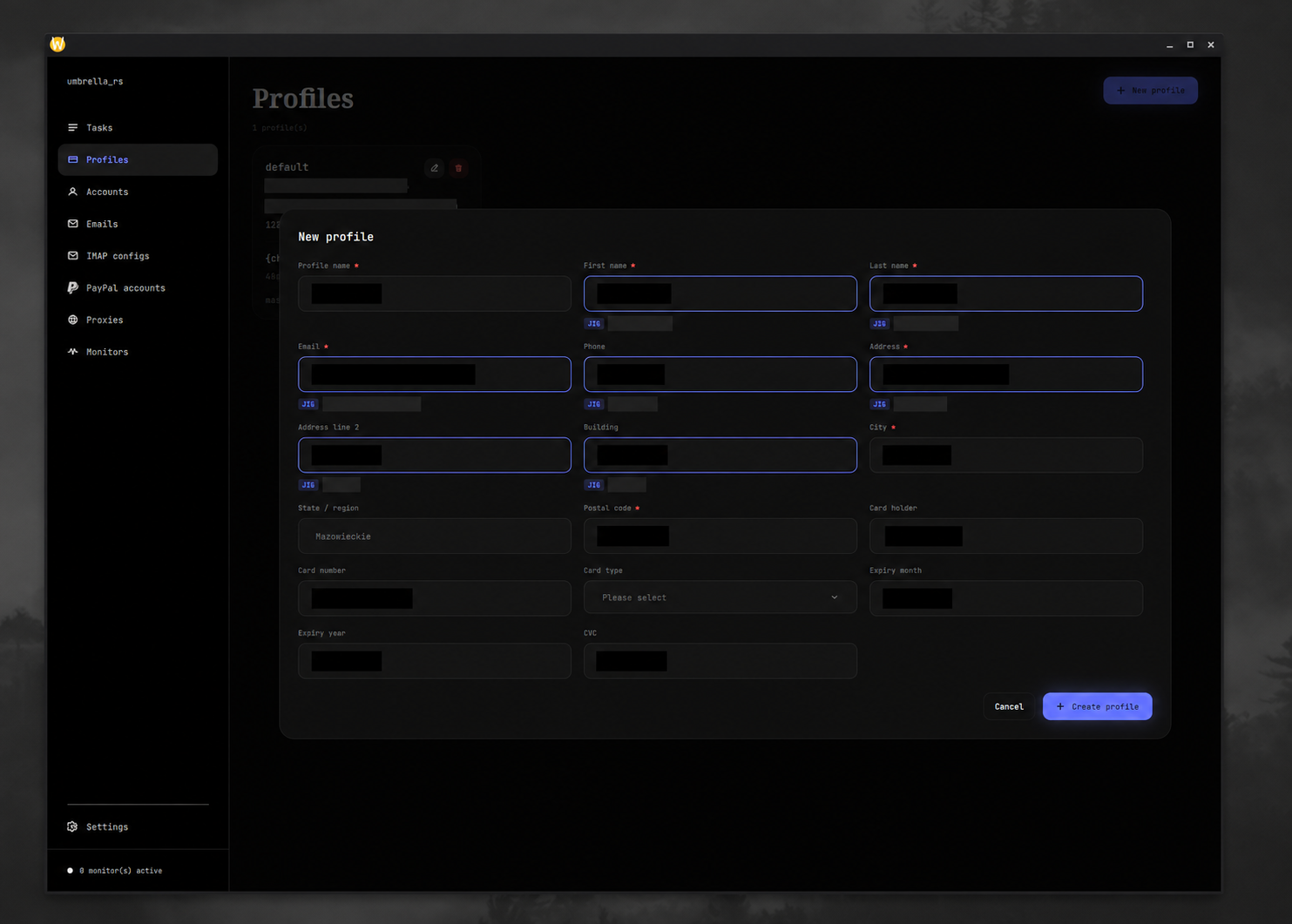
| Field | Required | Notes |
|---|---|---|
| Profile name | Yes | Internal label only. |
| First name, last name | Yes | Checkout recipient. |
| Yes | Must look like an email address. | |
| Phone | No | Include the country code expected by the website. |
| Address, city, postal code | Yes | Main shipping address. |
| Address line 2, building, state/region | No | Bandai AU requires a supported state name or code. |
| Card holder, number, type, expiry, CVC | No | Required by card-payment flows. Number must be 13–19 digits, month 1–12, year four digits, and CVC 3–4 digits. |
Profile jigging
Most profile fields support templates. They are rendered independently each time a task starts:
{num}or{num:4}produces one or four random digits.{char}or{char:6}produces random lowercase letters.{upper}or{upper:3}produces random uppercase letters.{alnum}or{alnum:8}produces random lowercase letters and digits.{red|blue|green}randomly selects one of the listed options.
Example: buyer+{alnum:6}@example.com. Do not put templates in fields that
must stay fixed, such as a real payment card number.
Proxy groups
Select Proxies, create a group, select it, and choose Import proxies.
Enter one proxy per line. Blank lines and lines beginning with # are ignored.
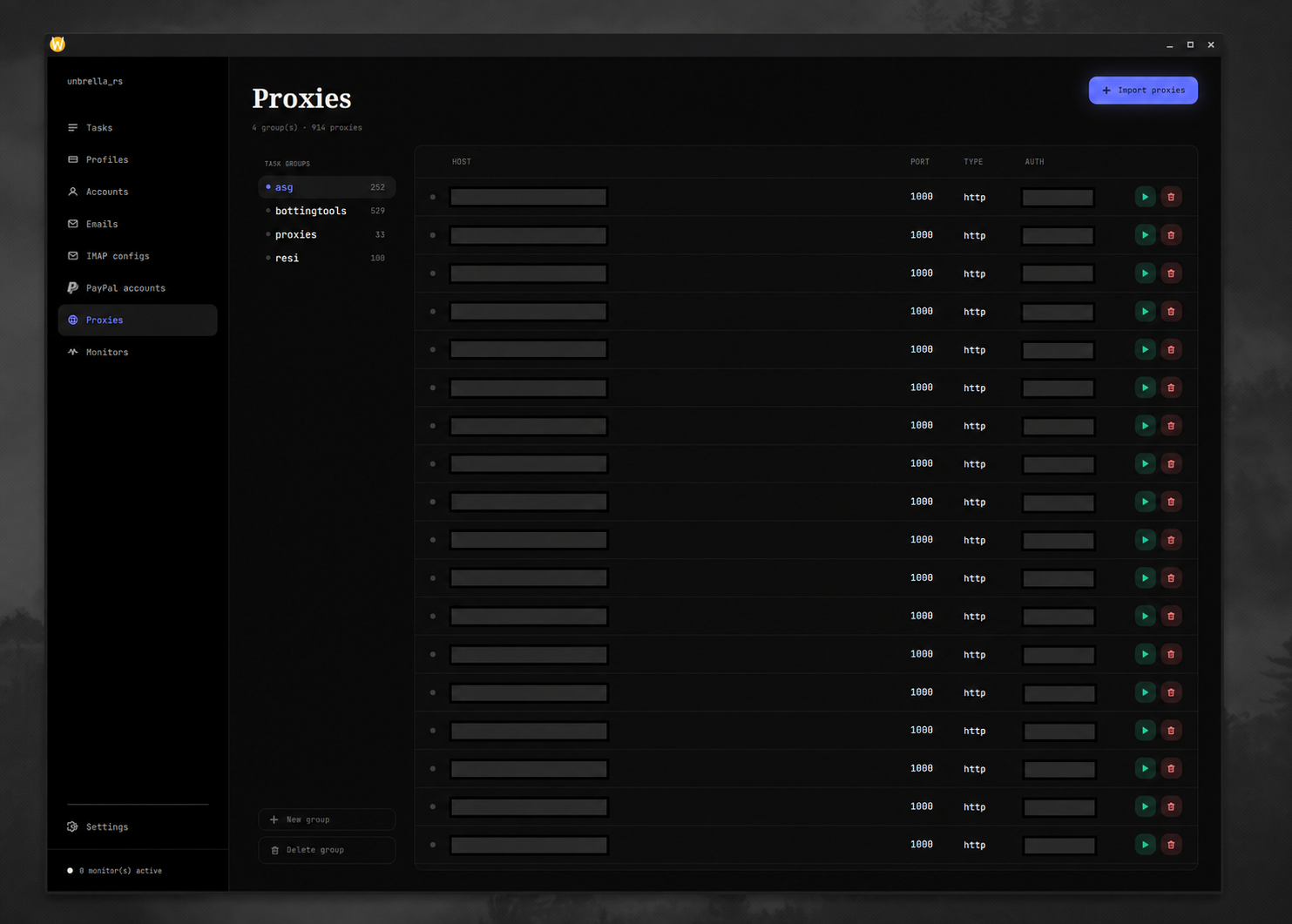
Supported schemes are http, https, socks4, socks4a, socks5, and
socks5h. Without a scheme, http is assumed. Accepted forms include:
host:port
host:port:username:password
username:password:host:port
socks5://username:password@host:port
http://[2001:db8::1]:8080
Duplicates are ignored. Credentials are URL-encoded automatically. Proxies
whose stored status is dead are excluded from tasks and monitors. The current
generic proxy tester is not implemented, so importing a proxy does not prove it
works.
Monitors
The Monitors screen configures shared stock checks separately for Carrefour and Bandai:
- Delay (ms) is the interval between checks for each replica. Default:
5000. - Replication is the number of staggered monitor loops for each product.
Default:
1; values below one are treated as one. - Proxy groups are combined into the monitor proxy pool.
Select at least one non-empty proxy group and press Save for every website whose tasks you will run. Saving updates monitor configuration without an app restart. Replicas are staggered across the delay and rotate through the selected proxies.
Accounts
Account groups belong to a specific website. Select Accounts → Create group, choose the website, then import one account per line:
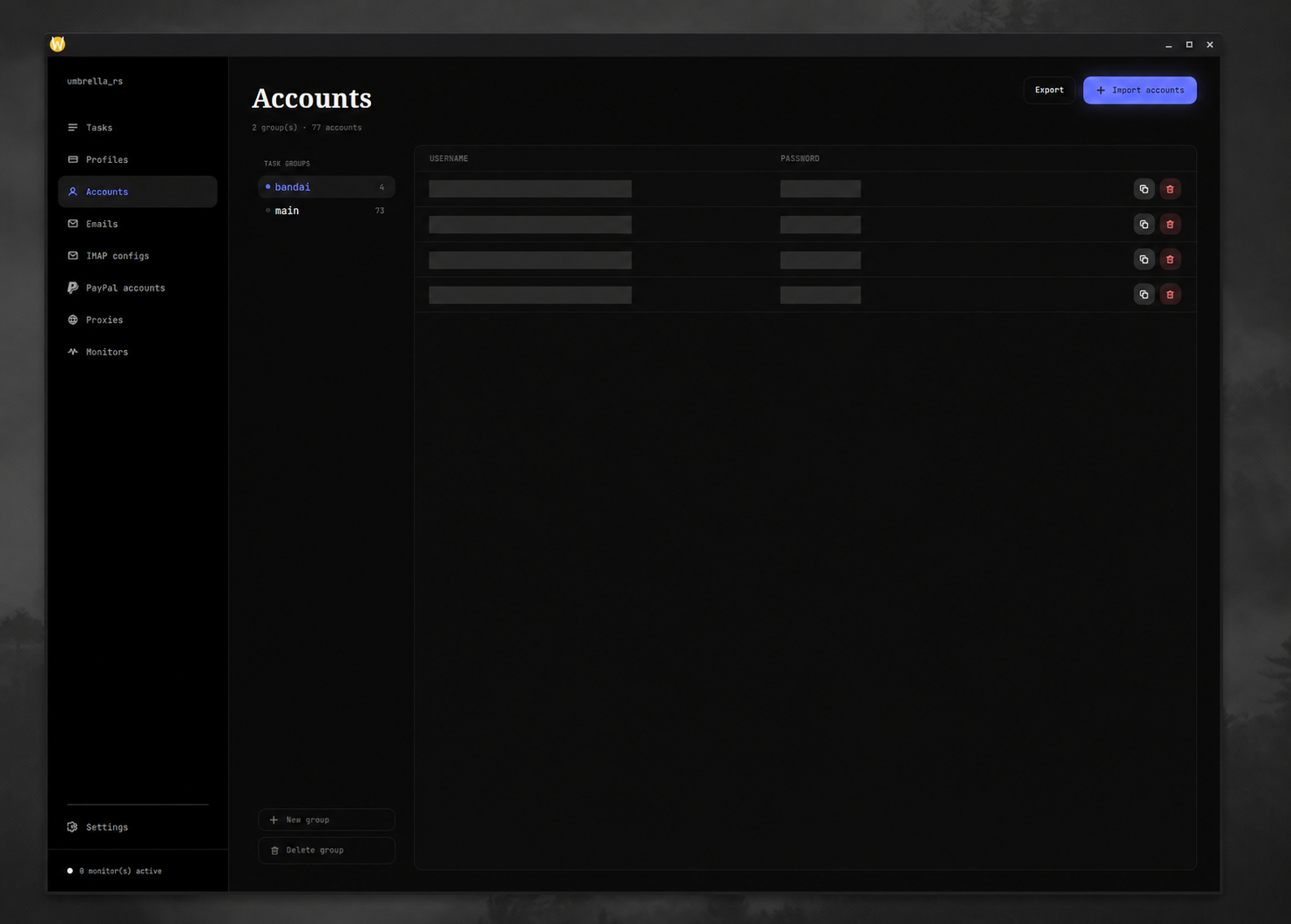
username:password
user@example.com:hunter2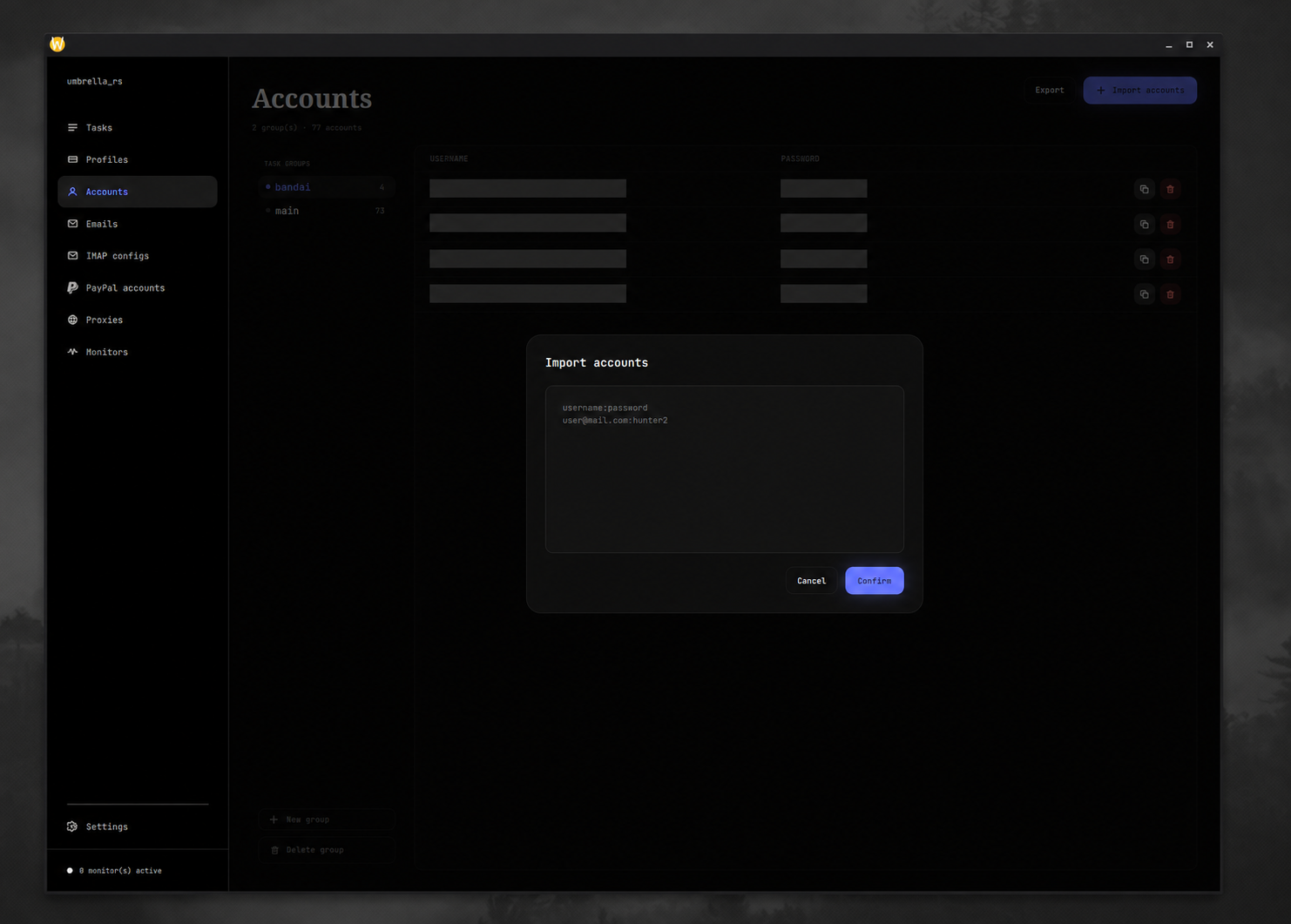
username:password pair per line.The first colon separates username and password. Blank lines and # comments
are ignored; duplicates are skipped. Use Export on the selected group to
write a CSV containing username, password, and any module-specific stored
metadata such as cart or payment IDs.
When a task's Account selector offers “every account,” task creation expands it into one task per account. The Count field multiplies that result.
Email lists
Select Emails, create a group, and import one email address per line. Blank
and # comment lines are ignored. You can add, edit, or delete entries later.
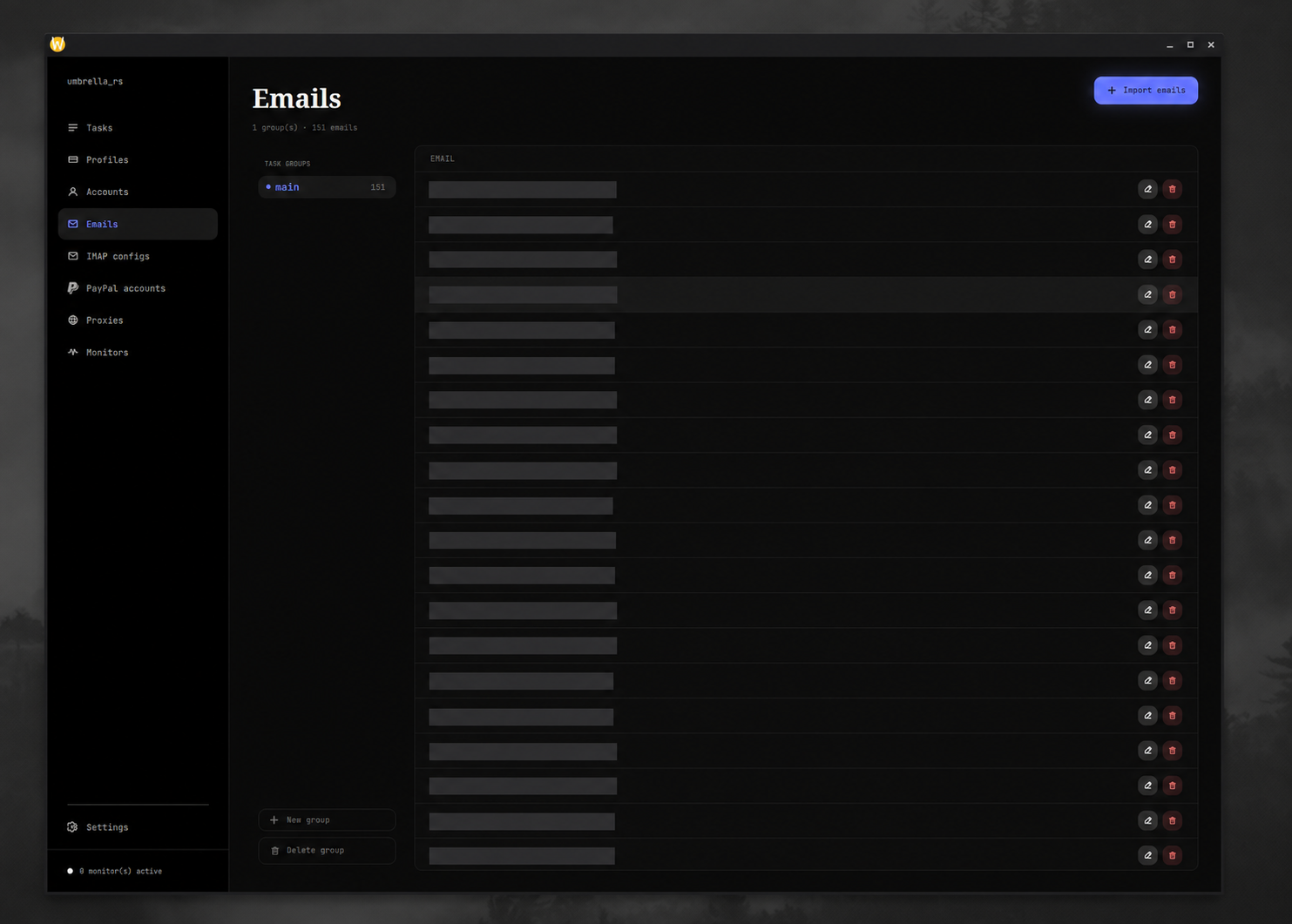
Account-generation tasks reserve unused emails while running. An email counts as used for a website once an account with the same username exists in an account group for that website.
IMAP configs
IMAP lets Carrefour account generation retrieve verification codes. Create a config with:
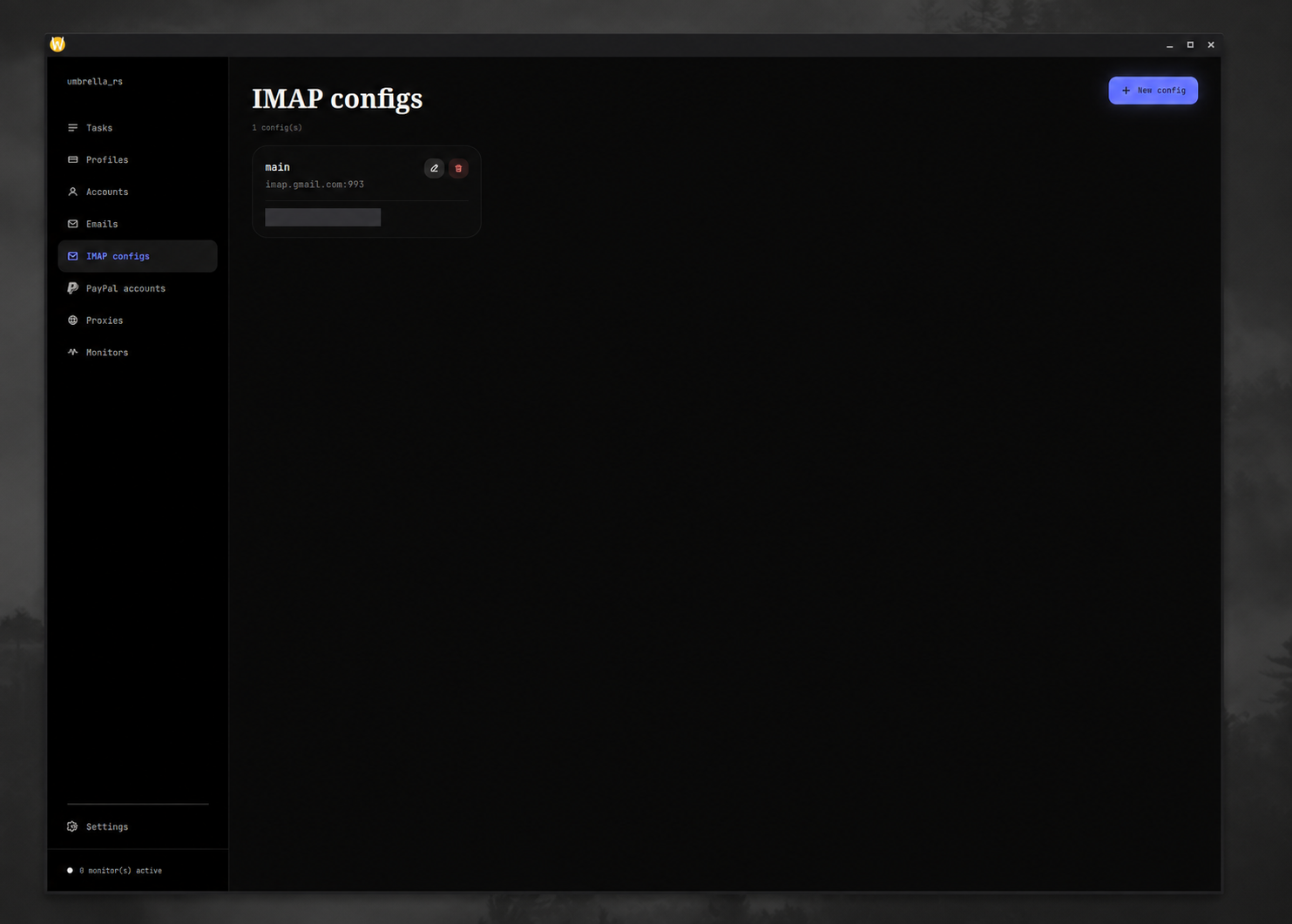
- an internal name;
- IMAP hostname;
- positive integer port, normally
993for TLS; - inbox email address;
- inbox password or app password.
Use credentials for the inbox that receives messages for the email list or catch-all domain. The client connects with TLS.
PayPal accounts
The GUI PayPal record contains:
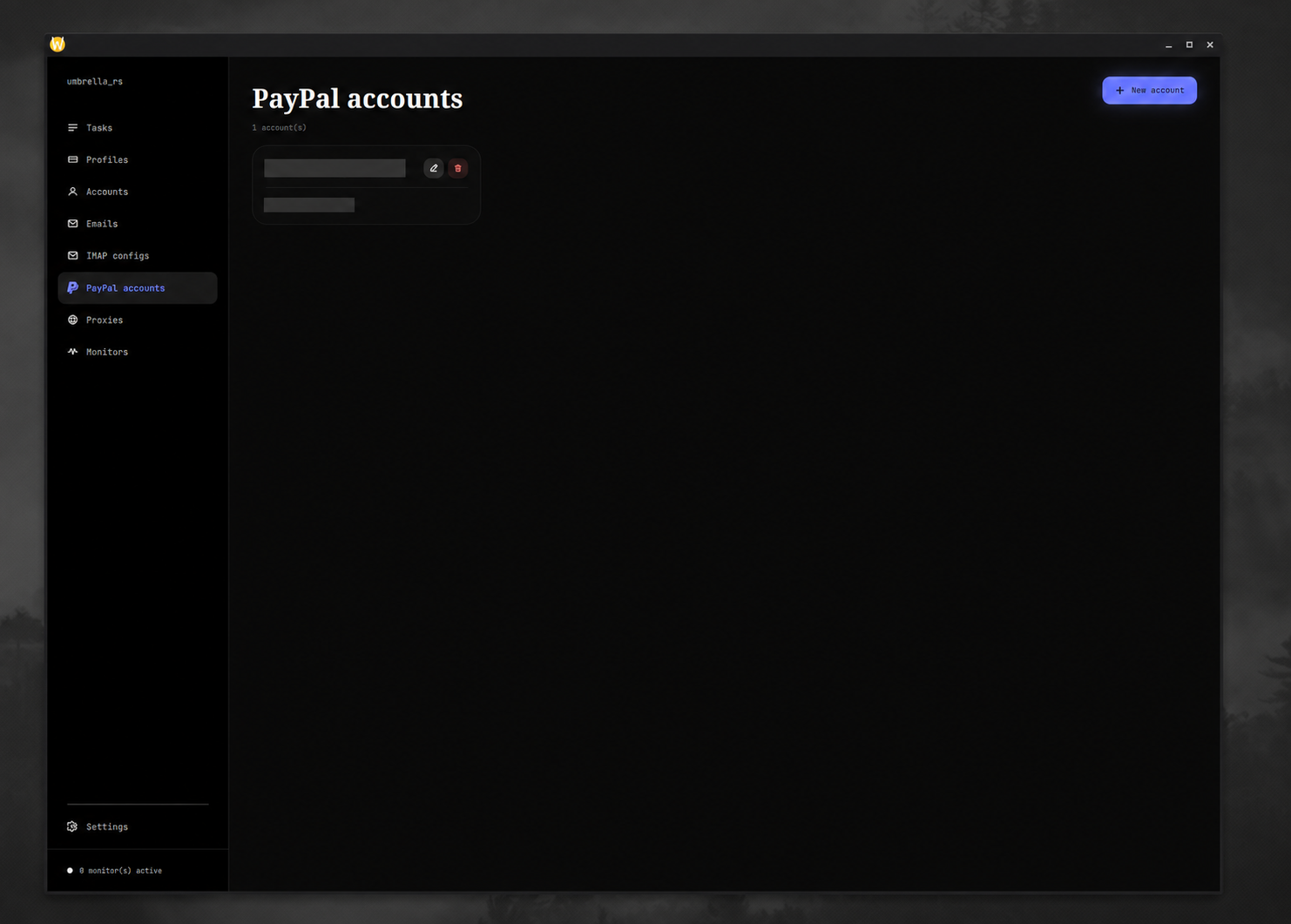
- PayPal email — identifies the session in the payment service;
- Funding option ID — the PayPal funding instrument to select.
This record does not log into PayPal. The separate PayPal Browser maintains authenticated browser sessions and publishes their cookies.
Settings
Settings are shared by all tasks and saved to SQLite.
| Setting | Used by |
|---|---|
| Hyper API key | Loaded into tasks; currently not consumed by the implemented Carrefour or Bandai constructors. |
| Uncaptcha API key | Carrefour Cloudflare handling in tasks and stock monitors. |
| Discord webhook | Checkout and test notifications. Use Test to save the URL and send a message. |
| Apicloak API key | Every Bandai mode. |
| Riskbypass API keys | Bandai multi-region registration, cart clear, timed drop, and monitor drop. Enter the comma-separated keys expected by the service. |
| HeroSMS API key | Bandai registration modes. |
Press Save after editing. Empty values are treated as unset.